Decisions, not just definitions
Bring the subject back to situations you could face at work.

Written and delivered by WorkplaceHero
Working comfortably and safely with screens is essential in offices, homes and hybrid locations. Learn practical DSE responsibilities, ergonomic workstation adjustments, healthy screen habits and how to identify and report concerns using a guided self-check.
A moment to consider
Make your workstation and screen habits work better for you, wherever you are working.
Take a look insideBring the subject back to situations you could face at work.
Around 1.3 hours. Pause, return and pick up where you left off, within your course access period.
Pass the assessment and your certificate and CPD entry appear in your free Passport.
Inside the learning
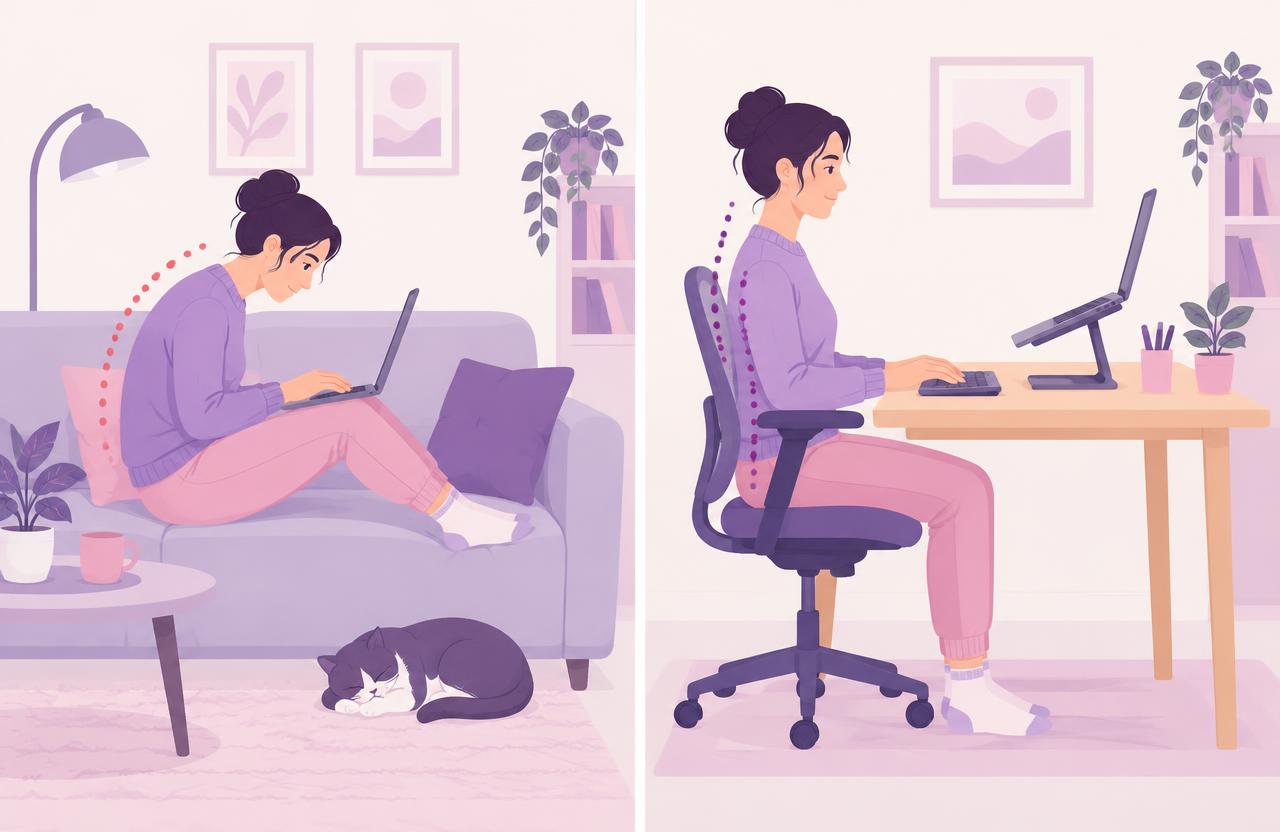
A sample from the course case study
Alex works at a kitchen table with the laptop flat on the table, leans forward and has recurring shoulder discomfort.
This sample does not save progress or count towards the course assessment.
Check setup
Adjust
Change position
Report concerns
A 40-minute CPD course for anyone who regularly works with screens in offices, at home or across hybrid locations. Great Britain legal framework; Northern Ireland has separate DSE regulations and HSENI guidance. Includes four interactive activities, a branching case study, a DSE workstation self-check and a final assessment.
Work through the sections and return to the ideas you need to revisit.
Meet the course completion requirements to receive your certificate of completion.
Your certificate and CPD entry are added automatically. Use your free Passport to reflect on what you will do differently.
Employees and workers regularly using computers, laptops or other DSE; Hybrid and remote workers using multiple locations; Line managers and team leaders supporting safe screen-based work
Learners work through the course at their own pace and can pause and resume where they left off.
Works on desktop, laptop, tablet and mobile, with audio, video and written transcripts throughout.
Scenarios, exercises and images keep learners engaged rather than clicking through slides.
Short checks at the end of each section so learners can see what has landed before moving on.
Average completion time is around 1.3 hours. Learners can pause and return within their course access period.
A WorkplaceHero certificate of CPD completion is issued when you pass the assessment, and 0.67 CPD hours are added to your CPD record automatically. Training completion does not constitute a workstation risk assessment, ergonomic certification or confirmation of employer legal compliance.
This course is delivered here on WorkplaceHero. Each learner signs in to their own WorkplaceHero account with the email you gave us and starts the course from their online courses - there is no separate platform login. Progress updates live on your team dashboard, and the certificate and CPD log entry appear automatically on completion.
This course is grounded in the following authoritative legal and best-practice references.